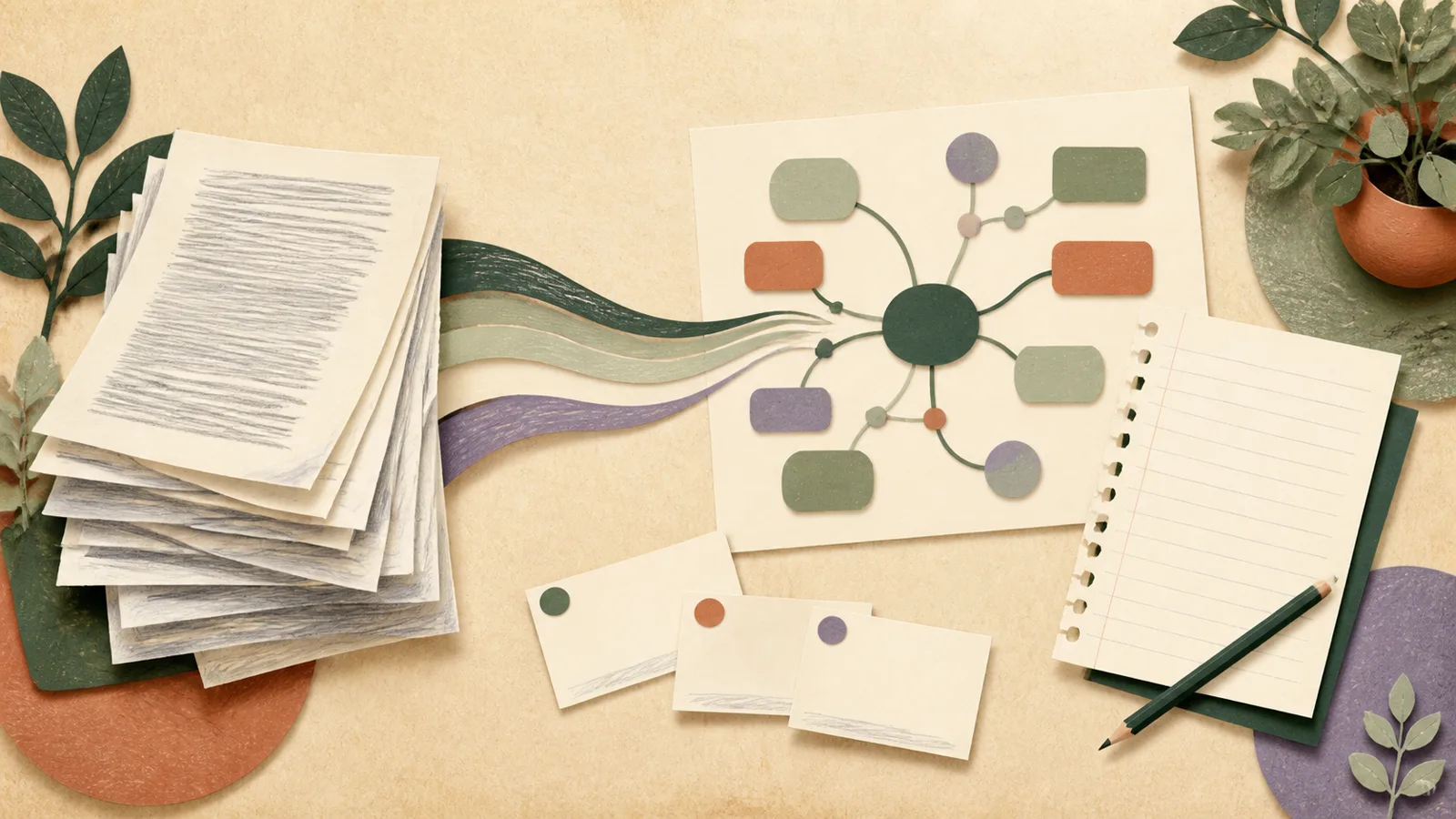
The yellow first appears around one useful sentence. Ten pages later, nearly every paragraph glows. The PDF looks thoroughly studied, but close it and the argument becomes difficult to reconstruct. Highlighting was doing the job it does best—marking text—not the larger job you needed, which was building a usable memory of the material.
You do not need to ban highlighting or read every paper three times. You need a sequence that separates orientation, understanding, compression, and retrieval.
Pass one: learn what kind of document this is
Before reading line by line, inspect the title, author, date, abstract or introduction, headings, figures, conclusion, and references. For a textbook chapter, scan learning objectives, section summaries, and worked examples. For a policy paper, find the claim, evidence, and recommendation. For technical documentation, find the task the document helps you complete.
Write one sentence: “This document is trying to…” If you cannot complete it yet, write your best guess. Orientation gives later details somewhere to attach.
Pass two: turn headings into questions
A heading such as “Mechanisms of antibiotic resistance” can become “What are the main mechanisms of antibiotic resistance, and how does each one protect the bacterium?” Questions make the reading selective without making it superficial. You are reading to resolve something, not merely to reach the bottom of a page.
Add questions from your actual purpose. An exam reader may ask what must be compared or applied. A developer may ask which constraint will break an implementation. Someone reading for a meeting may ask which decision the evidence supports.
Pass three: read in sections, not in one long stream
Read one meaningful section, then pause. Mark only material that answers a question, defines an essential term, supplies important evidence, or records an uncertainty you must resolve. A useful constraint is that the highlight should make sense with a short note beside it. If you cannot say why it matters, do not mark it yet.
For difficult text, slow down at relationships: cause and effect, contrast, exception, sequence, and evidence. The technical noun is often less important than what the author says it does.
Pass four: compress without copying
After a section, hide it and write two to four sentences in your own words. Include the central claim, the reason or mechanism, and one example when needed. Then reopen the source and correct the summary. Copying a polished sentence can preserve accuracy while concealing that you do not yet understand it.
Compression is not about producing beautiful notes. It is about choosing what the section changes in your mental model. If the material contains a process, sketch it. If it compares cases, use a small table. If it presents an argument, write claim → evidence → limitation.
A one-page reading record
- Purpose: why you opened the document.
- Main claim: one or two sentences.
- Structure: three to seven major parts.
- Useful evidence: only the examples or figures you may need.
- Questions: what remains unclear or disputed.
- Next use: the problem, discussion, quiz, or project this feeds.
Pass five: retrieve before returning
Close the PDF. On a blank page, reconstruct the document’s structure and answer your questions. Explain one difficult idea aloud or attempt a relevant problem. Only then return to the source. The mismatch between your attempt and the text tells you where another read has value.
This is more informative than rereading from page one. Research on retrieval practice shows that trying to recall material can strengthen learning and reveal gaps. A broad review of learning techniques also found practice testing and distributed practice more broadly useful than highlighting or rereading alone. That does not make highlights useless; it places them in a supporting role.
Pass six: convert only durable material
Not everything in a PDF belongs in long-term review. Create flashcards for compact facts, distinctions, or relationships that matter later. Create practice questions for ideas that must be applied. Keep a concise note for context. Save a citation and page number for a claim you may quote. Leave the rest in the source.
If a document matters only for tomorrow’s meeting, a one-page brief may be enough. If it supports a year-long subject, some questions deserve spaced review. Let the future use determine the artifact.
What to do with very long PDFs
Do not automatically begin at page one. Use the table of contents and your outcome to choose a range. Read the introduction and conclusion around that range so you do not strip it of context. For a 300-page textbook, work chapter by chapter and keep a running concept map or list of learning items.
If you use an AI tool to summarize or generate questions, treat the output as a draft. Check names, numbers, page references, and claims against the document. A smooth answer can still be wrong or omit the caveat the author considered essential.
 Move from source to practice in one topicOffShelf can turn a selected PDF into draft notes, flashcards, a quiz, an explanation, or a mind map. You preview the result, keep what is useful, and study it beside the rest of that topic.See OffShelf
Stop when the document has done its job
The finished state is not “every line processed.” It is that you can answer the questions that justified reading, find the evidence you may need again, and identify what remains uncertain. Some PDFs deserve a careful afternoon. Others deserve twelve minutes and a clear decision not to continue.
The best reading system protects both understanding and attention. Orient first. Ask. Read a section. Compress it. Retrieve it. Return only where the attempt failed. The pages stay the same length, but the work becomes much smaller.